
Connect your Attio workspace
Sign in with Attio and authorize DeDupe to scan and merge records.
DeDupe signs you in with Attio — there's no separate password to create. Signing in also authorizes DeDupe to read and merge records in your workspace.
Sign in with Attio
- Go to the login page and click Sign in with Attio.
- Attio shows you the permissions DeDupe requests. Review them and approve.
- You'll land back in DeDupe. If your workspace is new, you'll start the guided setup; otherwise you go straight to the dashboard.
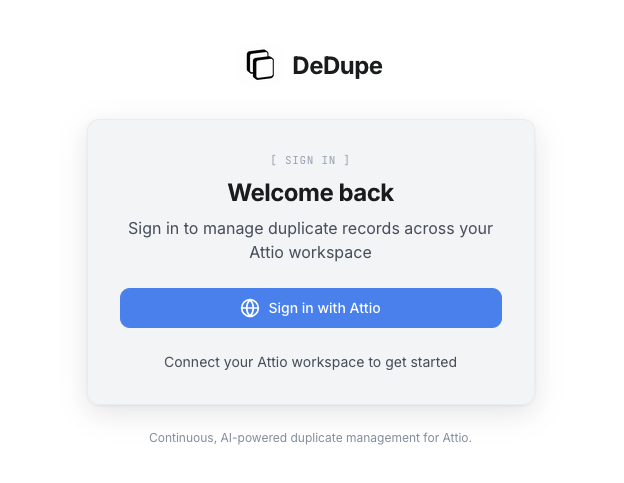
Because sign-in is handled by Attio, your DeDupe account uses the same identity as your Attio login. There is no password to manage.
What DeDupe can access
| Permission | Why it's needed |
|---|---|
| Read records | To scan companies and people for duplicates |
| Merge records | To combine duplicate pairs you approve |
| Webhooks | To power live monitoring (optional) |
DeDupe never deletes records outside of a merge you approve. A merge in Attio preserves the surviving record and its history, and merges can be undone within 30 days.
Reconnecting
If DeDupe ever needs a permission it doesn't have yet — for example, the webhook permission for live monitoring — you'll see a Reconnect prompt. Reconnecting re-runs the Attio authorization so you can grant the missing access.
Next steps
Once connected, continue to Run your first scan or let the guided setup walk you through it.